

1. What is Test Automation?

Test automation is the process of using software tools to execute test cases automatically instead of manually. It helps in reducing human effort, improving accuracy, and speeding up the testing process.
Example:
A team developing an e-commerce website automates checkout functionality testing using Selenium WebDriver to ensure that users can complete purchases without manual testing every time.
2. What are the benefits of automating a test case?
Automating test cases offers several advantages:
✅ Faster Execution – Automated tests run much quicker than manual testing.
✅ Reusability – Test scripts can be reused for different versions of the application.
✅ Accuracy – Reduces human errors in repetitive tests.
✅ Continuous Integration (CI/CD) – Automated tests can run after each code change to catch bugs early.
✅ Increased Test Coverage – Automates tests for multiple environments and devices.
✅ Cost-Effective in the Long Run – Though initial setup takes time, it saves costs over multiple test cycles.
Example:
A banking app runs automated security tests daily to check for vulnerabilities, ensuring safe transactions for users.
3. When do you automate a test case?
Not all test cases should be automated. Automation is best used when:
🔹 Tests are Repetitive – Tests executed frequently in regression testing.
🔹 Tests have High Risk & Business Impact – Critical functionalities like login, payments, and database transactions.
🔹 Tests are Time-Consuming Manually – Running tests across multiple browsers or devices.
🔹 Performance Testing is Needed – To check system load, stress, and scalability.
🔹 CI/CD Pipelines Require Frequent Testing – Automated tests run after every code commit.
Example:
A travel booking website automates flight search tests since users frequently use this feature and need consistent results.
4. How do you choose which test cases to automate?
Not all test cases are suitable for automation. Consider the following factors:
| Criteria | Description | Example |
|---|---|---|
| High Repeatability | Tests that run frequently and remain unchanged | Login, Registration, Checkout |
| Business Criticality | Features that affect revenue or security | Payment gateway, Bank transactions |
| Multiple Data Sets | Tests with large data variations | Searching flights with different dates |
| Complex Manual Execution | Tests that take too long to run manually | Load testing for 1000 users |
| Cross-Browser & Device Support | Features working across browsers & mobile | Testing on Chrome, Firefox, Safari |
Example:
A social media app automates tests for user login and profile updates but keeps UX testing manual since human validation is required.
5. What is IWebDriver and IWebElement?
These terms are used in Selenium WebDriver, a popular test automation tool.

5.1 IWebDriver
🔹 IWebDriver is an interface in Selenium that allows interaction with web browsers (Chrome, Firefox, Edge, etc.).
🔹 It helps open pages, navigate URLs, click buttons, fill forms, and execute JavaScript.
Example Code in C#:
IWebDriver driver = new ChromeDriver();
driver.Navigate().GoToUrl("https://www.google.com");
driver.Quit();
This script opens Google in Chrome and then closes the browser.
5.2 IWebElement
🔹 IWebElement represents a specific element on a web page, such as buttons, input fields, or links.
🔹 It is used to interact with elements, like clicking a button or entering text.
Example Code in C#:
IWebElement searchBox = driver.FindElement(By.Name("q"));
searchBox.SendKeys("Software Testing");
searchBox.Submit();
This script locates the Google search box, types “Software Testing,” and submits the search.
6. What are the different test automation tools available in the market?
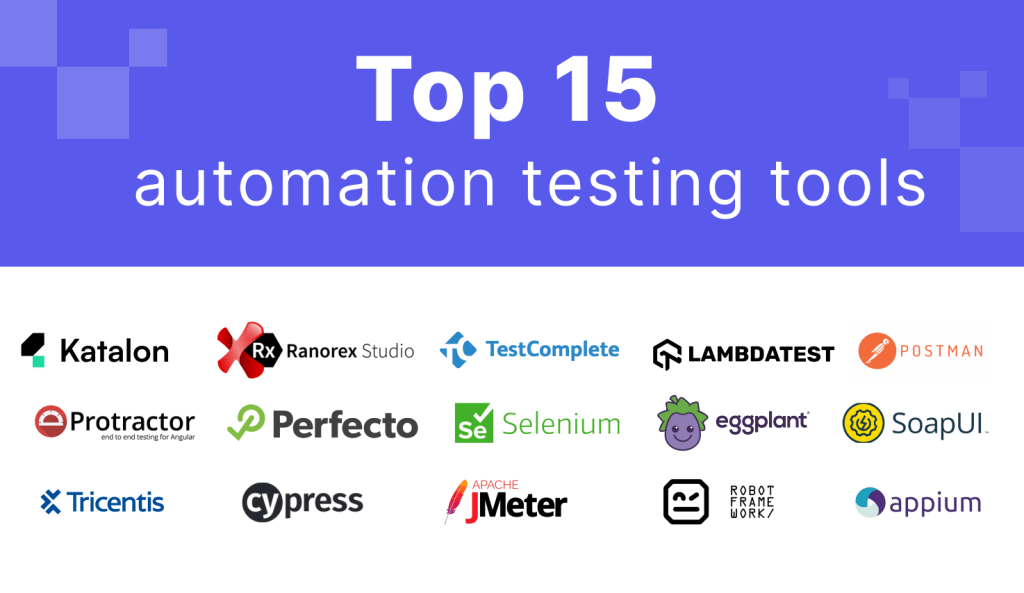
There are many test automation tools available, each serving different purposes:
| Tool | Purpose | Example Use Case |
|---|---|---|
| Selenium | Web UI automation | Automating login on a website |
| Appium | Mobile app testing (Android/iOS) | Testing a shopping app on mobile |
| TestNG | Advanced test framework | Managing test execution in Selenium |
| JUnit | Unit testing in Java | Testing Java functions in a banking app |
| Cypress | Frontend UI testing | Testing React/Angular applications |
| Postman | API testing | Verifying REST API responses |
| JMeter | Performance/load testing | Checking server response under heavy load |
| Katalon Studio | All-in-one automation tool | Web, API, and mobile automation |
| Robot Framework | Keyword-driven testing | Automating UI tests with human-readable scripts |
Example Scenario:
🔹 A banking company uses Selenium for UI automation, Postman for API testing, and JMeter for performance testing to ensure its website handles thousands of users simultaneously.
📌 Summary Table
| Question | Short Answer | Example |
|---|---|---|
| What is Test Automation? | Using software tools to execute tests automatically | Automating checkout in an e-commerce site |
| Benefits of Automation? | Faster, accurate, scalable testing | Running daily automated security checks in banking apps |
| When to Automate? | Repetitive, critical, time-consuming, or large data tests | Automating login, payments, and regression tests |
| Choosing Tests to Automate? | High repeatability, cross-platform, performance-based | Automating flight search but keeping UX testing manual |
| What is IWebDriver? | Controls browsers in Selenium | Opening Google and searching for text |
| What is IWebElement? | Interacts with page elements | Clicking login buttons or filling forms |
| Test Automation Tools? | Selenium, Appium, Postman, JMeter, Cypress, etc. | Selenium for web, Appium for mobile |
 Raphael 's Software Testing's blog